
Giftcards & Store creditUpdated 3 months ago
Buying a Gift card? Here's how!
Looking for the perfect gift? You can easily purchase a Gift Card on our website! Simply visit our Gift Card product page and choose the amount you’d like to give. Once purchased, the gift card will be sent digitally via email, making it a quick and convenient gift option.
You can also choose a physical gift card here.
How do I use a gift card or store credit?
To use your gift card or store credit, simply enter the code in the "Discount code or Gift card" field at checkout. Once the code has been applied, the value will be deducted from your order total.
Please see the picture below for reference: 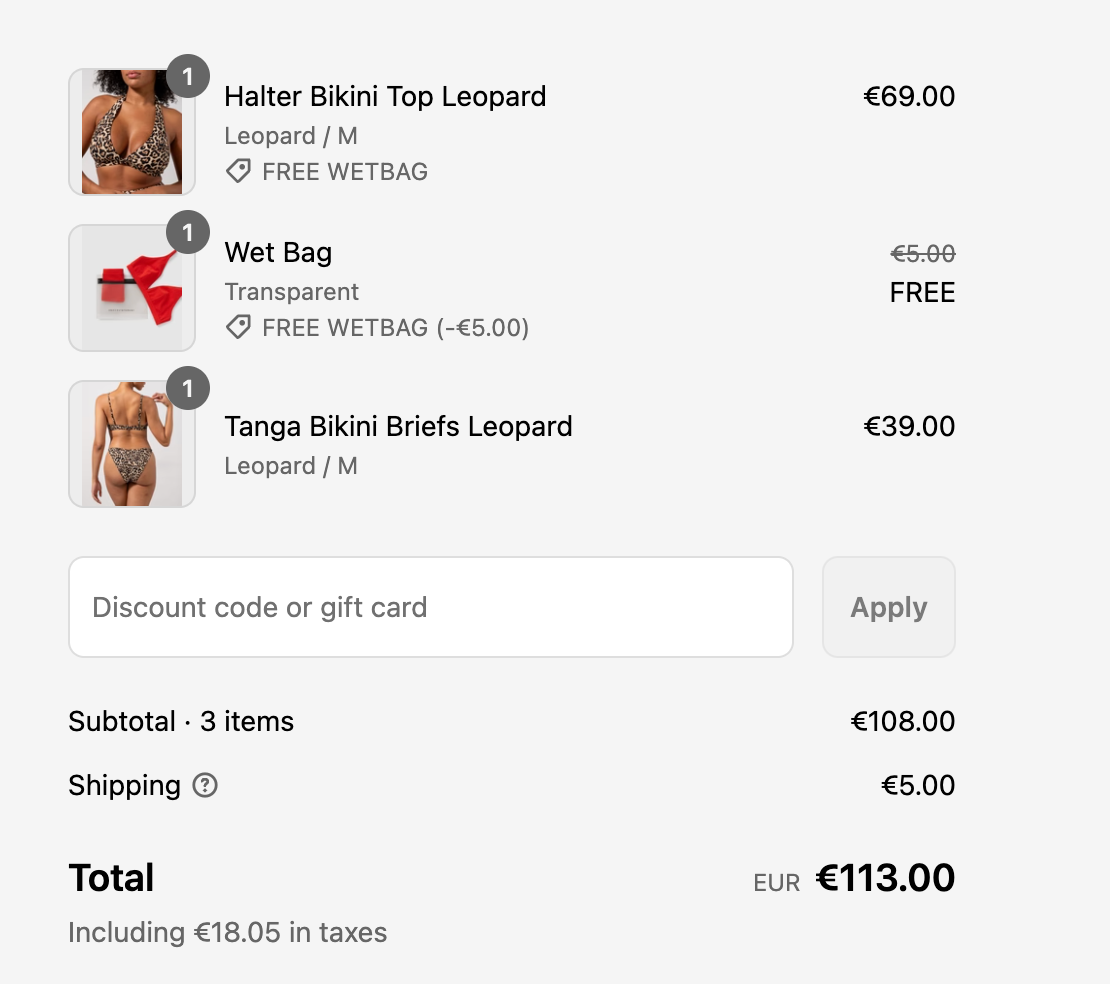
Can I add a gift card or store credit after placing my order?
Gift cards and store credit codes must be added at checkout before the order is placed. If you forgot to add your code, please feel free to contact us as soon as possible at [email protected]. We’ll do our best to help!
Having trouble with your code?
- Please double-check that the code has been entered correctly and that it has not expired or already been used.
- If your code still isn’t working, contact us at [email protected] and include the Gift Card code you’re trying to use. We’ll be happy to help.